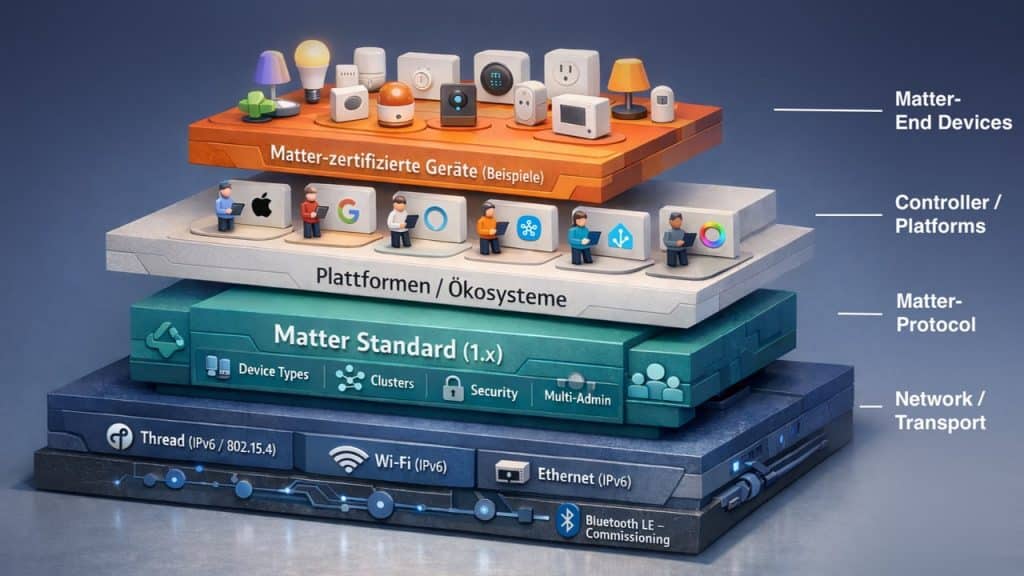
The term Matter over Thread appears in the fine print of many product descriptions and technical data sheets. It describes how a device connects to the home network. Matter-certified products can use one of three connection technologies: wired via Ethernet, wirelessly over Wi-Fi, or through the Thread wireless protocol.
Ideal for Battery-Powered Devices
Everyone is familiar with Wi-Fi, but it is only partially suited to smart home applications. The wireless standard was designed primarily for high data throughput rather than energy efficiency. As a result, sensors that spend most of their time in sleep mode and only occasionally transmit a data packet rarely rely on Wi-Fi. The wireless module would consume too much power and quickly drain their batteries.
On a Wi-Fi network, these devices also compete for airtime with smartphones, webcams, smart TVs, computers, and countless other connected products. Every additional device adds traffic to the wireless channel. Thread was designed specifically for this use case: reliably connecting large numbers of small, battery-powered devices while minimizing power consumption. Matter over Thread refers to the use of the Thread protocol within the cross-brand Matter smart home standard.
Two Terms That Are Often Confused
Matter and Thread solve different problems, yet they are frequently used interchangeably in practice – a misunderstanding worth clearing up.
- Matter is the application layer. The standard defines what functions a device provides (such as on/off control, dimming, or temperature measurement) and how devices from different manufacturers understand those functions, regardless of which of the three networking technologies transports the data.
- Thread operates at the underlying network layer. The protocol determines how data packets are exchanged between devices, much like Wi-Fi or Ethernet, but with different technical characteristics. Matter over Thread simply means that Matter communication is carried over a Thread wireless network.
How Matter over Thread Works
Thread is based on the international IEEE 802.15.4 wireless standard operating in the 2.4 GHz band and uses IPv6 addressing. Every device in a Thread network therefore receives its own valid IP address. The specification is maintained by the Thread Group (link), an industry consortium whose members include Apple, Google, Amazon, Samsung, Qualcomm, and Nordic Semiconductor.
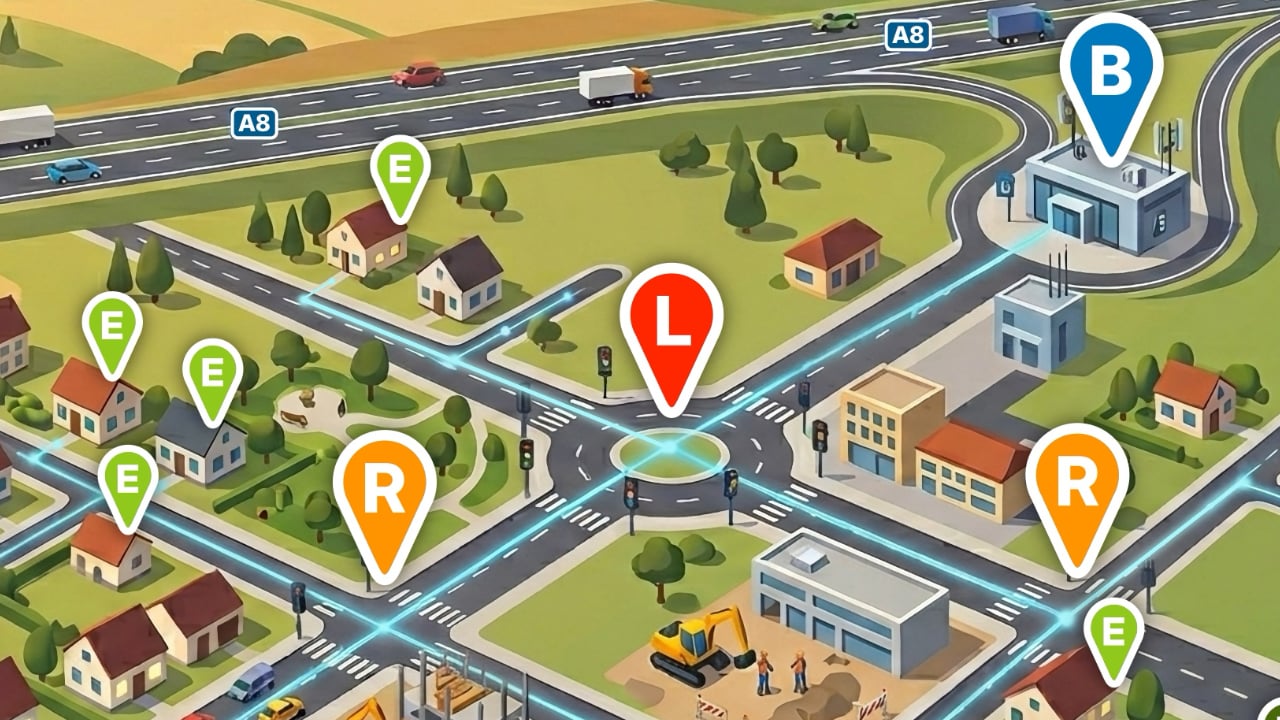
Technically, Thread is a self-healing mesh network. Devices forward data not only for themselves but also for neighboring nodes. If one node fails or is switched off, the network automatically discovers alternative communication paths. This makes Thread more resilient than star topologies, where every device must communicate directly with a central hub. A more detailed explanation of the network architecture is available in the article “As You Route, So You Mesh.”

The Role of the Border Router
From a purely technical perspective, a Thread network can exist entirely on its own, with devices communicating only among themselves and without any external connection. In that case, however, the installation remains isolated from the rest of the home network. Smartphones or computers that do not support Thread cannot access it or control any of its devices.
This is where the Thread Border Router comes in. It connects the Thread mesh to the home network, making control via a smartphone app or voice commands possible in the first place. Manufacturers such as Apple and Google have integrated Thread radios into selected smartphones. However, for a fully featured smart home installation with automations and remote access, a Border Router remains indispensable. It is commonly built into products ranging from smart speakers and smart home hubs to smart TVs.
With the release of Thread Specification 1.3.0 in July 2022, Border Routers became vendor-neutral. Devices that comply with the specification can interoperate regardless of manufacturer. If multiple Border Routers are installed, communication continues even if one of them goes offline. As long as one Border Router remains active, it can continue serving as the gateway between the Thread network and the home network.
Within Matter, however, the goal of complete neutrality has not yet been fully achieved. Even today, some Border Routers only function within specific ecosystems. Mixing products from different manufacturers can result in multiple parallel Thread networks instead of a single shared mesh connecting all devices. In addition, not every vendor allows its Border Routers to join an existing Thread network.
Setting Up Thread Devices in Matter
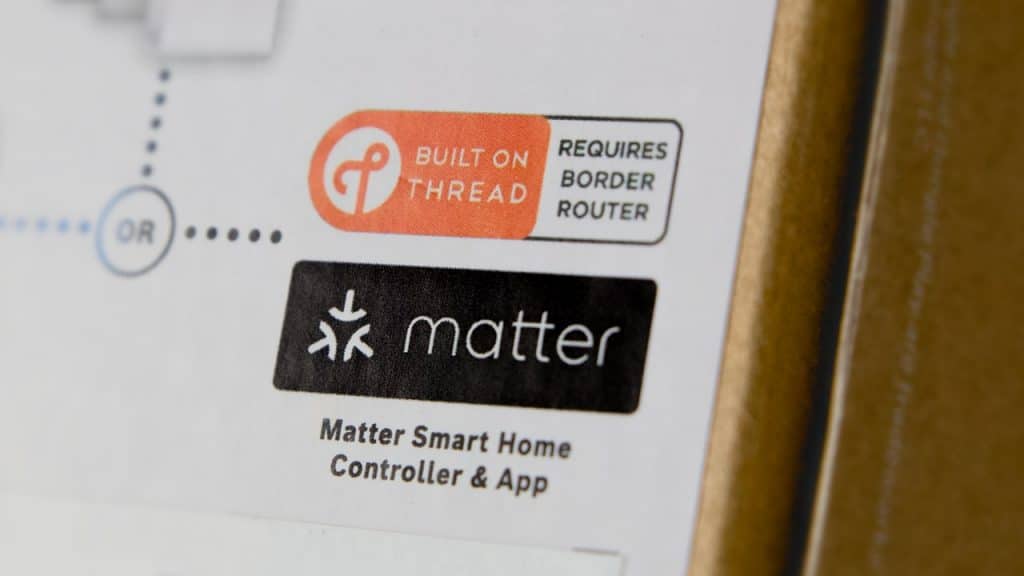
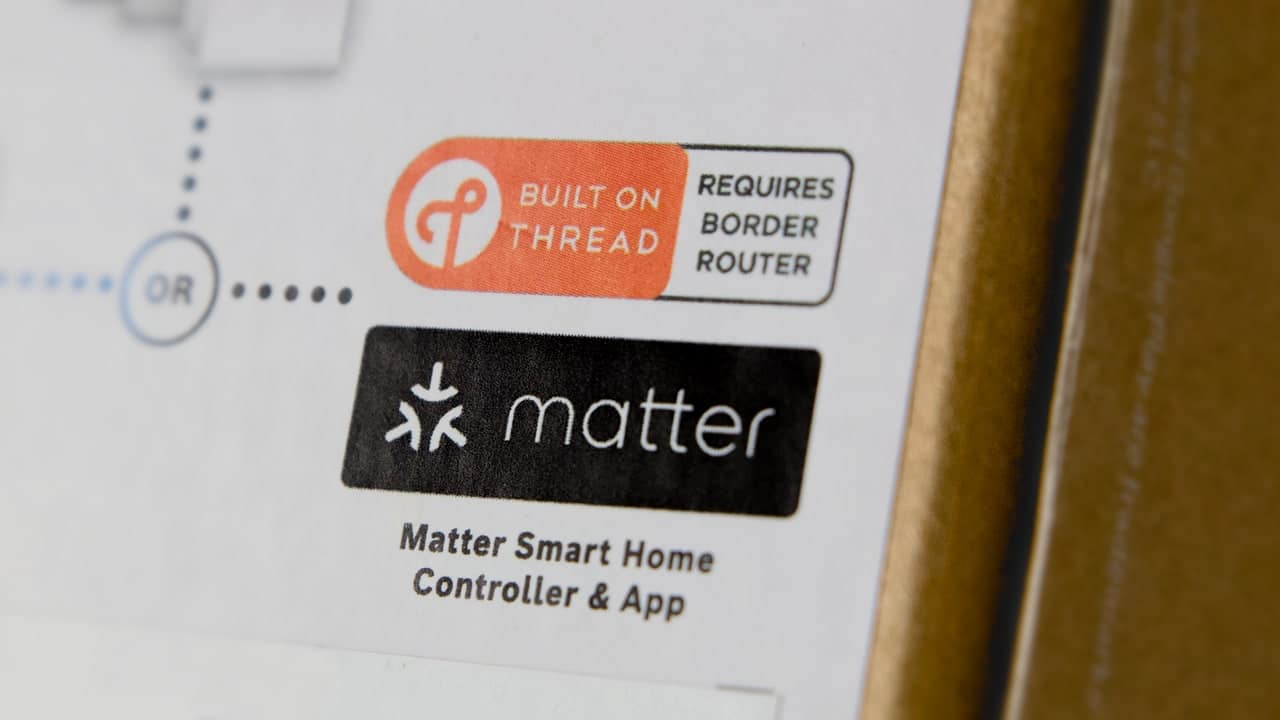
What does all of this mean in practice? There are a few things to keep in mind when setting up Thread-based products. The Matter logo on the packaging always looks the same, regardless of which networking technology the device uses. Some manufacturers, such as Ikea, do not mention the wireless protocol at all. Others print an additional Thread logo on the box.
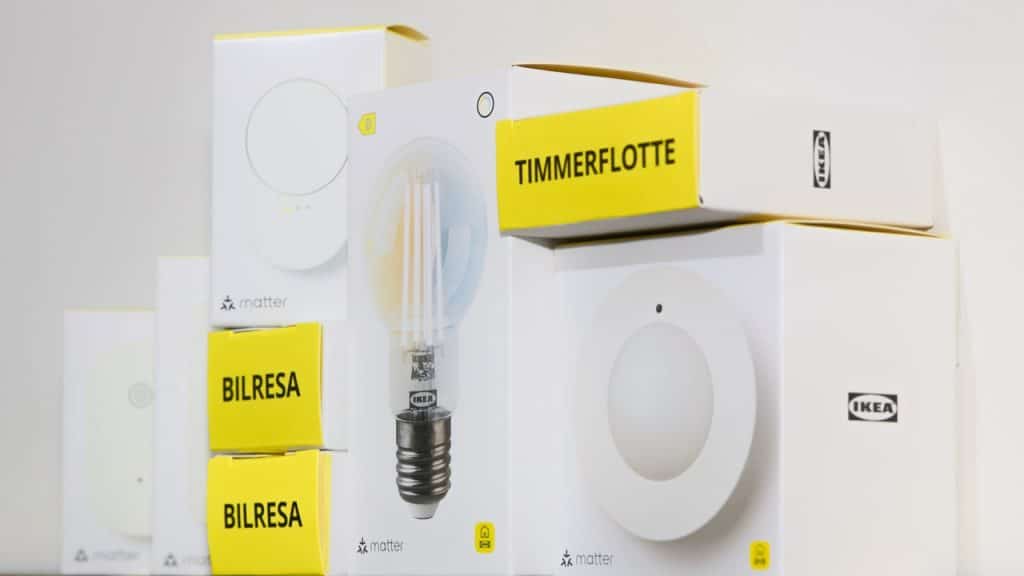
In any case, it is advisable to verify which networking technology a Matter device uses before purchasing it. The manufacturer’s product pages are usually the best place to start. The device database on matter-smarthome can also be filtered for Thread-enabled products.
Once you have decided which Matter-compatible app – Alexa, Apple Home, SmartThings, or another platform – you want to use for setup, your home infrastructure becomes the next consideration. Is there already a Border Router in your home? Amazon, Apple, Google, Samsung, and other manufacturers continue to integrate the feature into more devices. If you own a recent HomePod, Echo, or Samsung TV, there is a good chance that a Thread network already exists for new devices to join. With Ikea, certain Aqara hubs, and several other manufacturers, the smart home hub itself provides the required Thread network.
Potential pitfall: Older devices on these platforms may be listed as Matter-compatible but may not actually support the Thread protocol. In that case, you can only pair them with Wi-Fi products (Matter over Wi-Fi) or devices with an Ethernet connection. If this happens, simply add a model with a Thread Border Router to your network. Our device overview can help here as well: simply check the “Border Router” box at the top of the table.
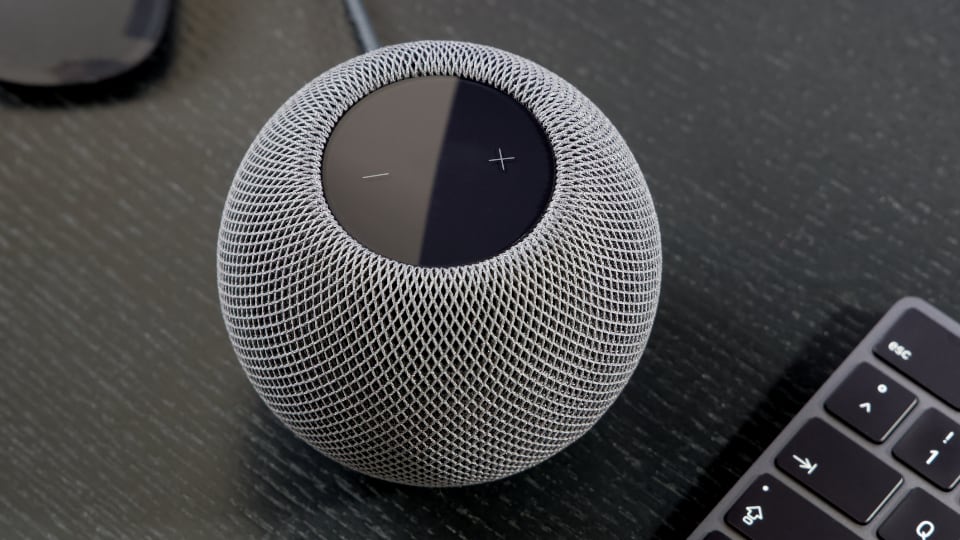
In theory, Border Routers from different manufacturers can be combined. Thread 1.4 and Matter 1.4 introduced the technical foundation for smooth interoperability. Matter 1.6 goes even further by enabling shared installations on an entirely new level. In practice, however, platform support still lags behind the specifications by several years. Amazon and Apple, for example, have not yet implemented all features introduced with Matter 1.4, even though that version of the specification was released in November 2024.
For users who want the simplest possible setup, it is therefore still advisable to rely on Border Routers from a single platform and designate that ecosystem as the primary Matter Fabric. In other words, install and add all devices using the app of that platform first. If you also want to control them from other ecosystems, you can then share them using Matter’s Multi-Admin feature. This approach reduces the likelihood of devices becoming unreachable and helps avoid the problems that can arise when users unknowingly operate multiple parallel Thread networks.
More Know-how
Share this information: