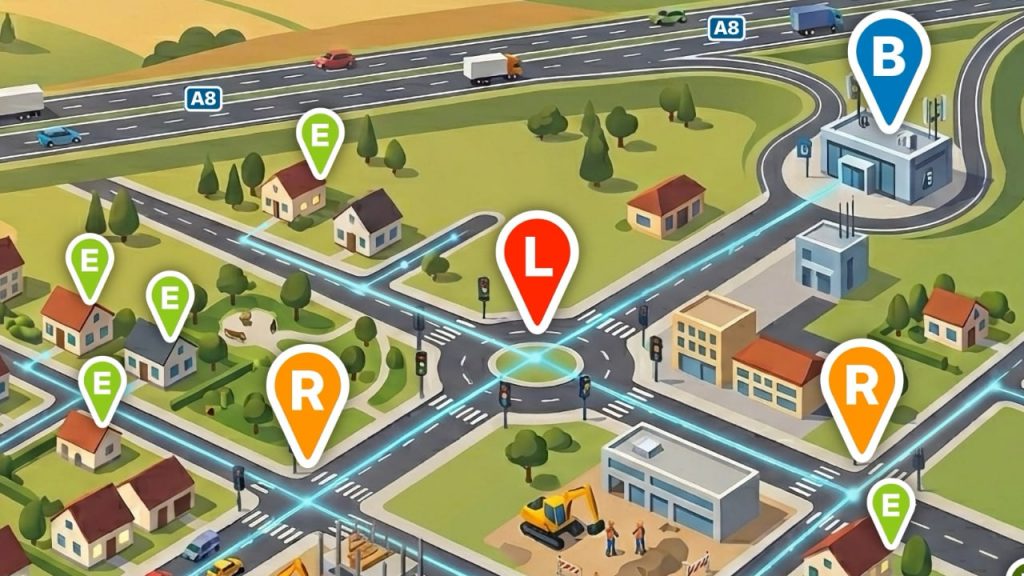
The headline above isn’t mine. Lars Felber, Director PR at Eve Systems, coined the playful phrase during a conversation – riffing on the German proverb “As you make your bed, so must you lie in it.” I’ve “borrowed” it because routing plays a central role in Thread networks. Much like a car’s navigation system, it ensures data reaches its destination – taking the best and least error-prone path available.
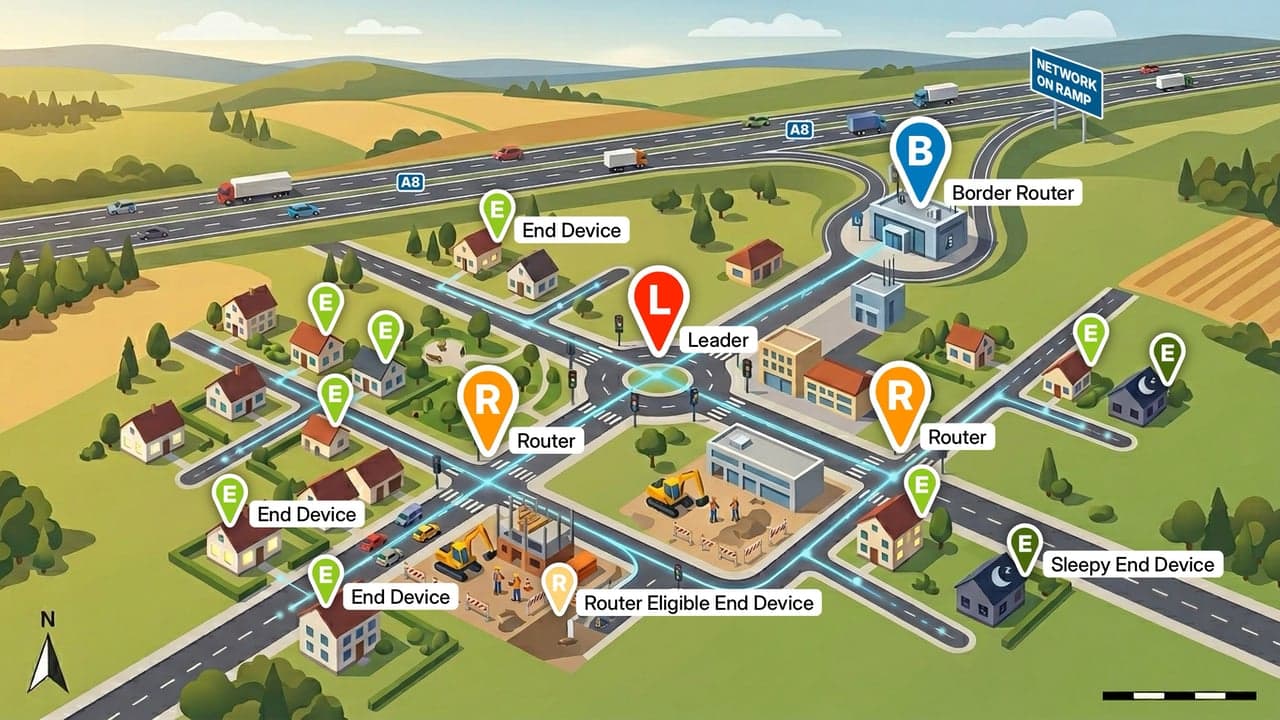
A mesh network of Thread devices can be imagined like a city’s road system. The better the infrastructure, the more routes lead to the destination. If an intersection is blocked – because devices fail or connections are disrupted – traffic diverts to alternative routes. The mesh automatically finds a new path.
Contents
Routers: A Network of Intersections
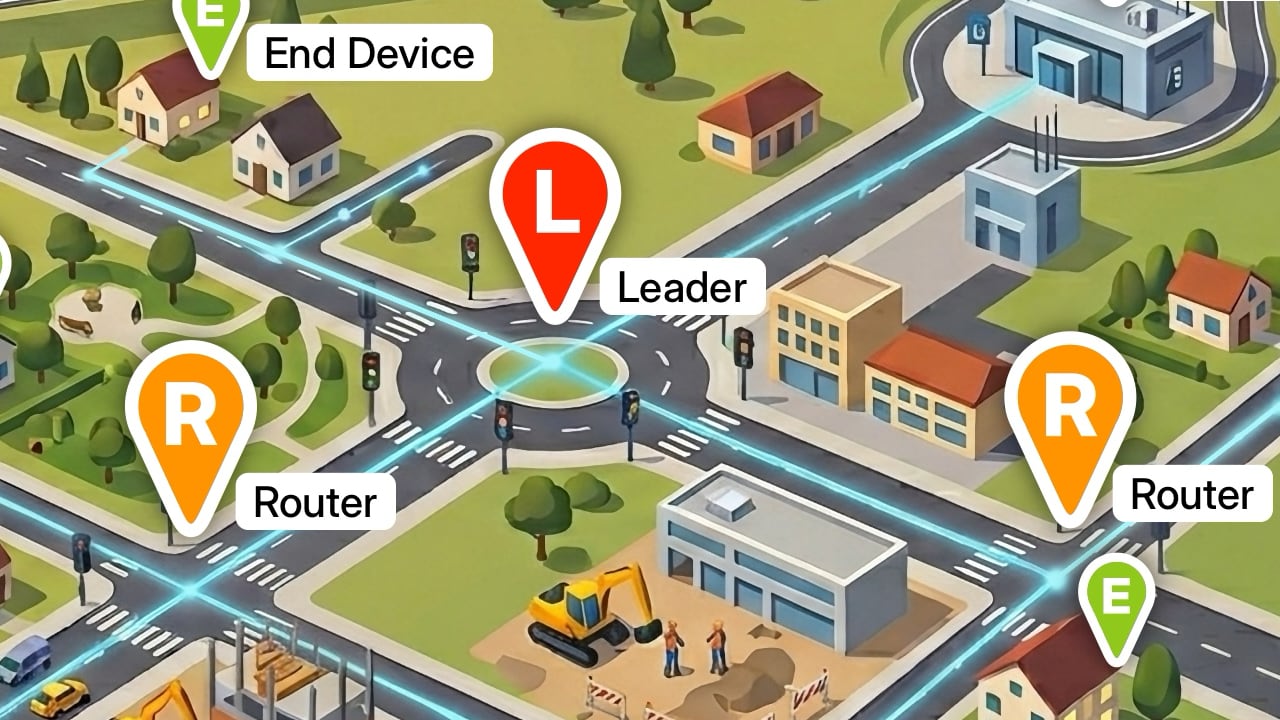
For this self-organization to work, the network needs devices that do more than just send and receive. They must understand their surroundings and know which routes have proven reliable. In the Thread standard, these are called Routers. As nodes, they function much like intersections: messages arrive and are forwarded in the right direction. Without Routers linking the network, there would only be roads – without meaningful connections between participants.
Technically, all devices capable of routing fall into the category of Full Thread Devices (FTD). They form the backbone of the mesh network and ensure messages find their way through the wireless fabric. Because maintaining routing information requires more memory and power than simple transmission, FTDs tend to be better-equipped Thread products. They are typically mains-powered rather than battery-operated. Smart plugs, lamps, and permanently installed in-wall modules are common examples.
The number of active routers in a Thread network is limited to 32. Since too many can increase network load and reduce stability, a significantly lower number has proven effective in practice: a mesh operates optimally with around 16 to 20 routers. Control mechanisms within the network ensure this level is maintained automatically, promoting suitable devices to routers – or demoting them again as needed.
Order in the System: The Role of the Leader
Every road network has rules that determine how traffic flows. In Thread, this role is handled by a special router: the Leader. It decides which eligible devices actually operate as routers, dynamically promoting and demoting participants to maintain the optimal count. These decisions are made by an algorithm that considers link quality, historical data, and network topology. The selection of the Leader itself is also automatic: any continuously powered Full Thread Device in the network can take on this role. If it fails, another router steps in and becomes the new Leader.
Router or Not? REEDs and FEDs
Not every capable Full Thread Device permanently acts as a Router and directs data traffic. Depending on the size of the installation, FTDs only assume this role when required. In the Thread standard, they are then referred to as Router-Eligible End Devices (REEDs). In the road analogy, they resemble connections that can be upgraded into major intersections when required – such as when the network grows or additional capacity is needed. The Leader promotes a REED to a full Router when necessary.
However, there is another category: so-called Full End Devices (FEDs). They do not participate in routing and remain pure end nodes in the network at all times. A manufacturer that designs and certifies a product as an FED can reduce costs and resource requirements. Routing demands memory, processing power, and additional management overhead on the device. The issue: this limitation does not have to be disclosed publicly. From a purely technical standpoint, there can be Thread products that are mains-powered yet still offer no routing capability whatsoever. Even if this is likely to be the exception, it can be frustrating for users if they plan to use FEDs as routing components – only to discover later that their mesh network isn’t working properly.
End Devices: Minimal Thread Devices (MTD)
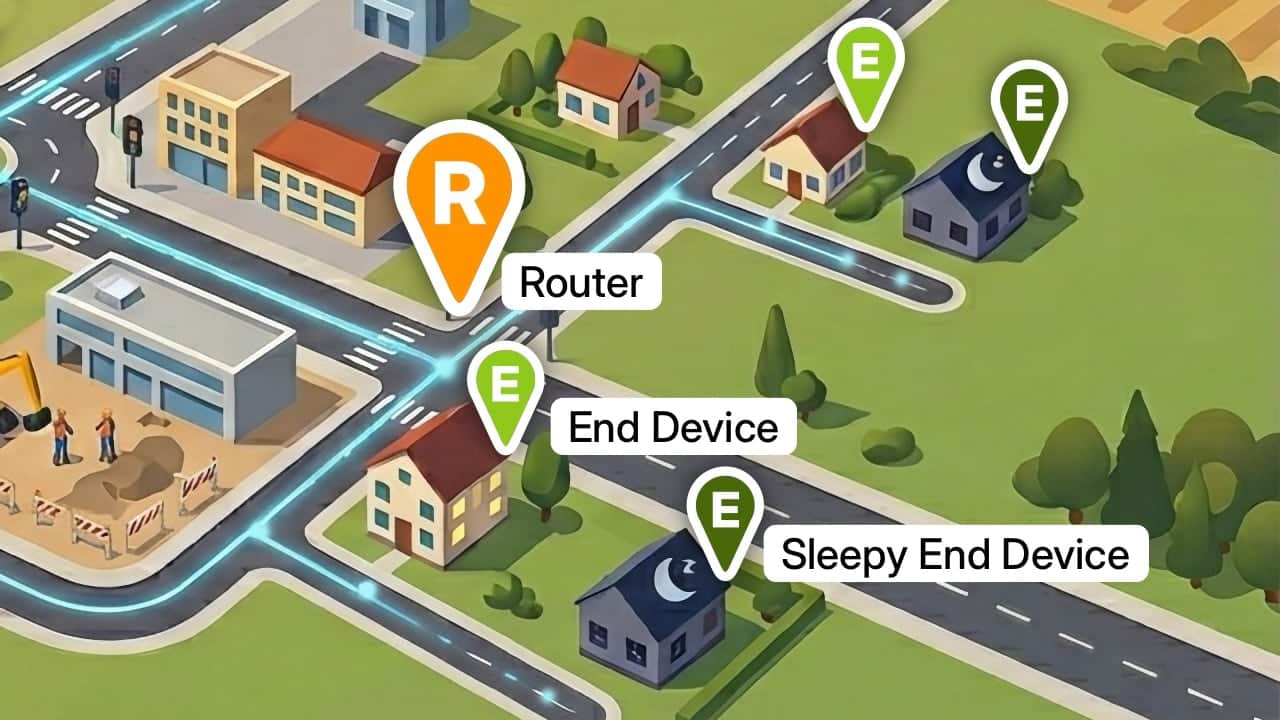
Many smart home devices don’t need to actively shape the network. They only transmit data occasionally – such as sensors or battery-powered switches – which enables long operating lifetimes. These products fall into the category of Minimal Thread Devices (MTD), comparable to buildings at the edge or end of a street. Each MTD connects wirelessly to a Router or Leader and uses its routing function without influencing data traffic itself. The active node it connects to is called the Parent.
There are also gradations here: Minimal End Devices (MED) are always reachable but do not forward messages. Sleepy End Devices (SED) go even further. They regularly switch off their radios to conserve energy. Depending on device type and supported Matter version, this sleep cycle can range from a few seconds to several hours. In Matter 1.4, so-called Long Sleep Intervals of up to 18 hours are specified. During this time, SEDs are only partially reachable – incoming messages are buffered by the Parent and delivered once the sleeping device wakes up.
The Way Out: Border Routers
Up to this point, everything happens within the local mesh. Data flows back and forth between Routers and End Devices. But to control and automate a smart home, the Thread network needs connections to the outside world – such as platforms, smartphones, or computers. This is where Border Routers come in. They link the mesh infrastructure with other networks in the home, such as Wi-Fi or Ethernet. In the road analogy, Border Routers are the arterial roads or highway interchanges through which traffic leaves – and enters – the city.
How Does a Message Find Its Way?
When a message or command travels through a Thread network, it typically passes through several routers – moving from one intersection to the next. The route is not fixed. At each junction, a decision is made about which path the information should take. A prerequisite for this is that each router knows how good the wireless connections to neighboring devices are, and it regularly exchanges this information with all the others. In doing so, it catalogs the connection quality based on technical data such as signal strength and radio noise level.
Quality is categorized on a scale from 0 to 3, where 0 means no connection. A value of 1 indicates weak signal (“poor”), 2 represents medium quality (“reasonable”), and 3 stands for the best result (“good”). So, in a sense, there are traffic light colors that signal at every intersection which direction traffic can flow – or cannot. Thanks to regular updates, all routers in the mesh are aware of conditions across the entire network. If a route becomes unavailable, they automatically select the next best option. This allows the network to heal itself when disruptions occur – without requiring centralized control.
Share this information: