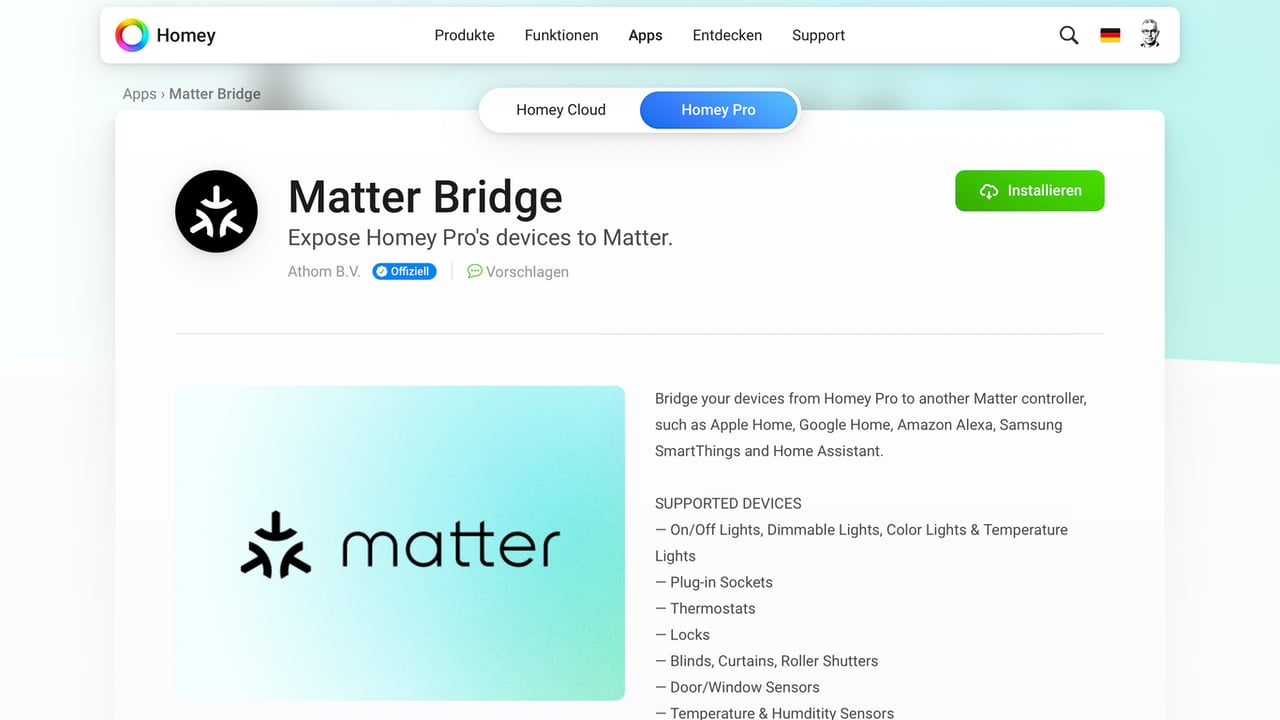
The smart home hubs Homey Pro and Homey Pro mini from Athom (link) have been working as Matter Controllers for some time now. This means products that support the Matter standard can be added via the Homey app and controlled together with other devices through Athom’s platform. Now, the manufacturer has released a new software extension (link) that transforms both hubs into a Matter Bridge. As such, they act as interpreters, translating signals from devices that do not understand Matter into the language of the smart home standard. The add-on is available free of charge in the Homey App Store and can be installed on the hub like any other Homey app.
Because Homey refers to all function extensions as “apps,” the term can be misleading. To clarify: we are talking about an add-on for the smart home hub, not the Homey app that runs on your smartphone and manages the entire installation.
Multiple Wireless Standards Under One Roof
With the “Matter Bridge” app for Homey Pro and Homey Pro mini, devices that connect via Infrared, Z-Wave, Zigbee, or 433 MHz can now be bridged to Matter-compatible platforms such as Apple Home, Google Home, Amazon Alexa, Samsung SmartThings, or Home Assistant. These devices then appear natively in the respective Matter apps and can be controlled through automations or voice commands.
For instance, it is possible to integrate older roller shutter motors or affordable wireless sockets that operate on the 433 MHz band into a modern smart home. According to the company, Homey collaborates with more than 1,000 brands and supports over 50,000 devices in total.
Support for the most important product groups
Currently, the Matter standard covers only a portion of this vast ecosystem – and the Homey Bridge app supports a subset of those. However, it includes the most important product types:
- Lights (on/off, dimmable, color, tunable white)
- Smart plugs
- Thermostats
- Door locks
- Curtains and blinds
- Door/window sensors
- Temperature/humidity sensors
- Motion/presence sensors
- Air quality sensors
- CO₂ and smoke detectors
Installation via Homey App or Web Interface
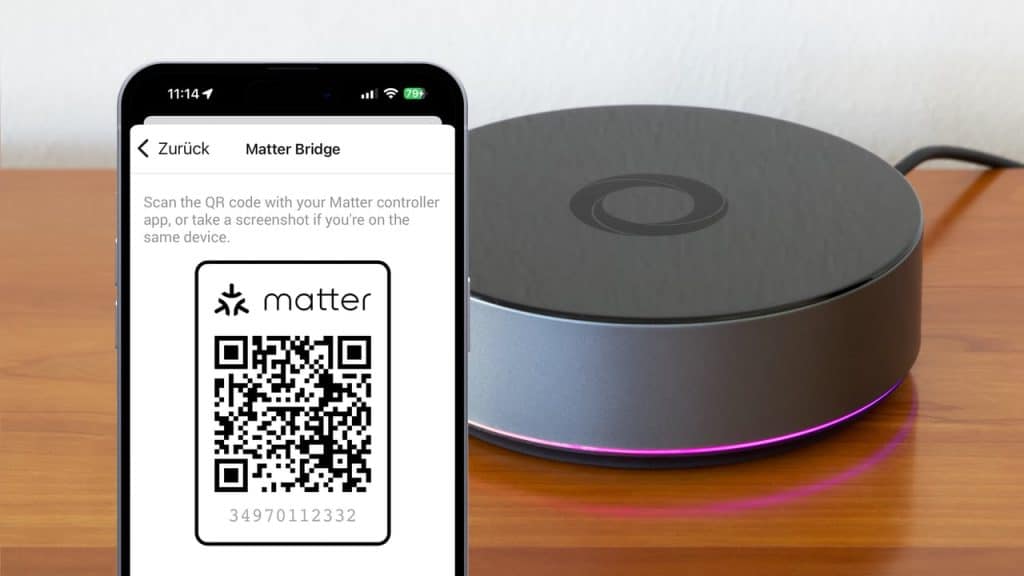
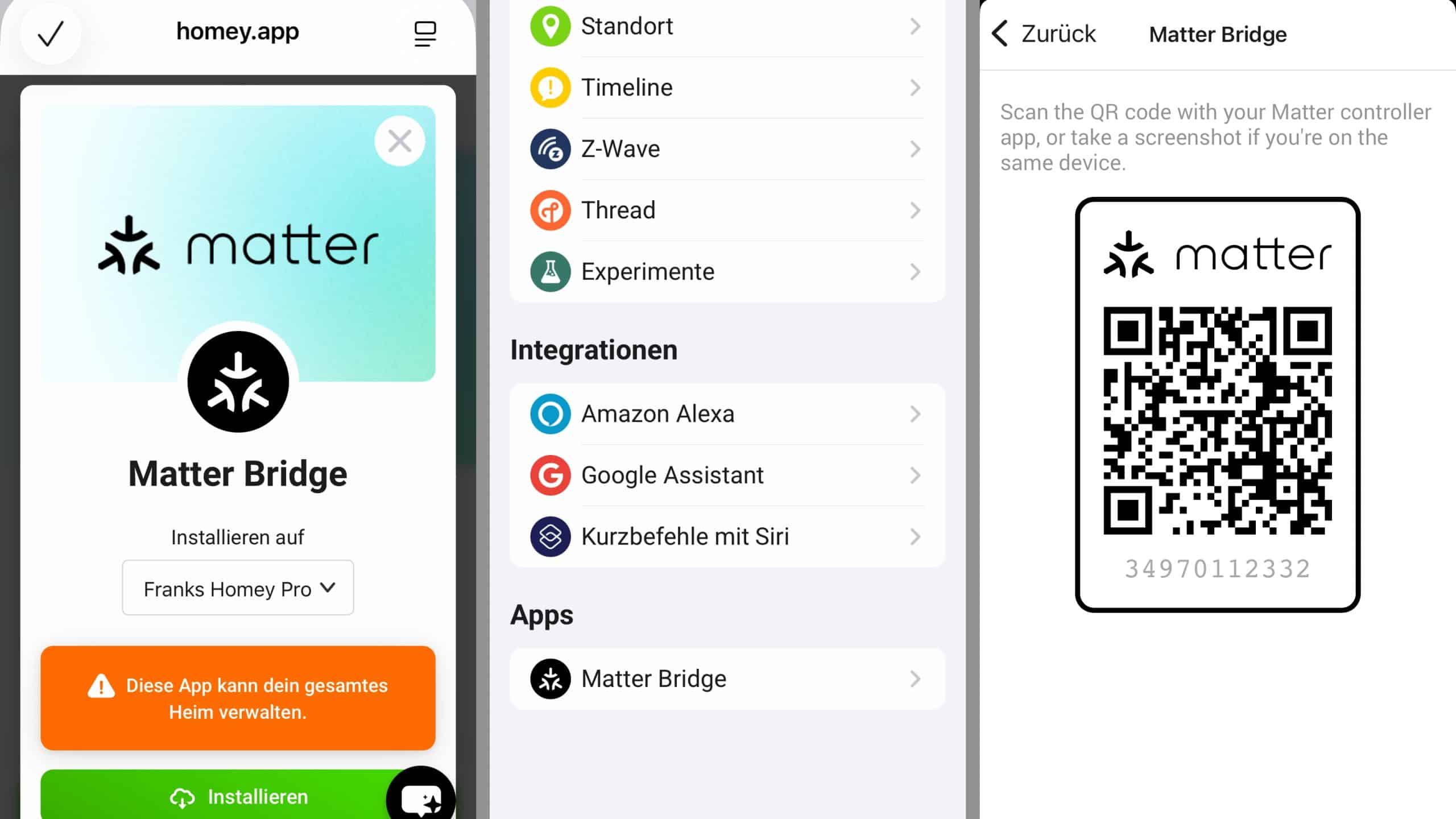
The add-on can be downloaded either through the Homey mobile app (Android/iOS) or via the Homey web portal (link). Once installed on the hub, a new “Matter Bridge” entry appears in the settings of Homey Pro. When opened, it provides the typical pairing code used for all Matter devices – both as an eleven-digit numeric code and as a QR code.
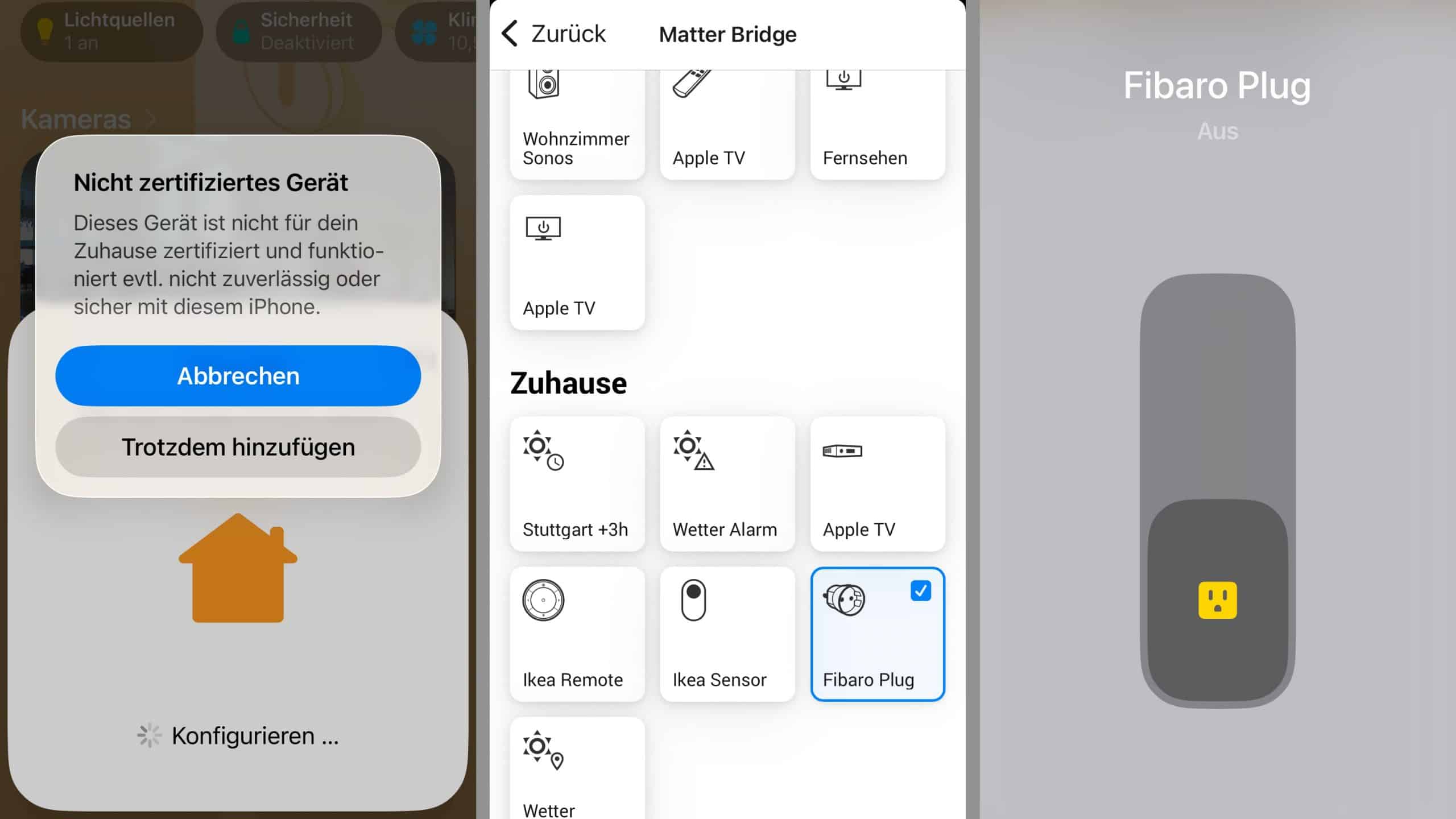
Scanning this code with another Matter-compatible platform adds the bridge to that ecosystem. The bridge functionality is not yet officially certified, so Apple Home, Google Home, and others display a warning during setup. However, the bridge can still be added, and users may then select which connected devices should be shared via Matter.
Share this information: